Deleting spots and resetting statistics
Learn how to delete spots and reset statistics。
Delete spot
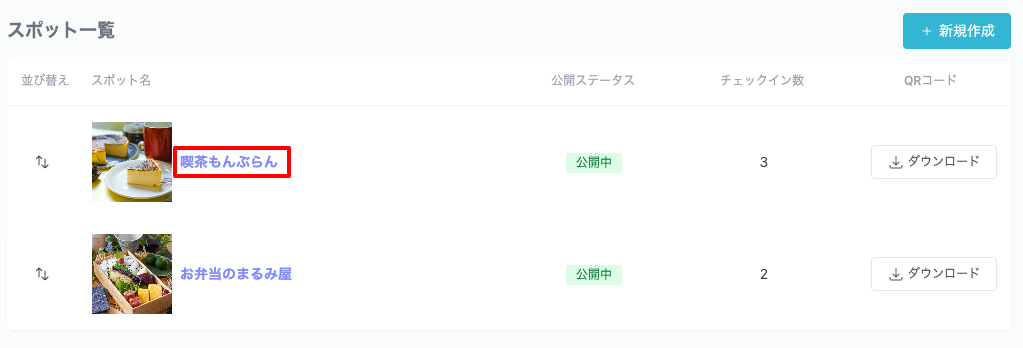
To delete a spot, click the title of the spot from the spot list。
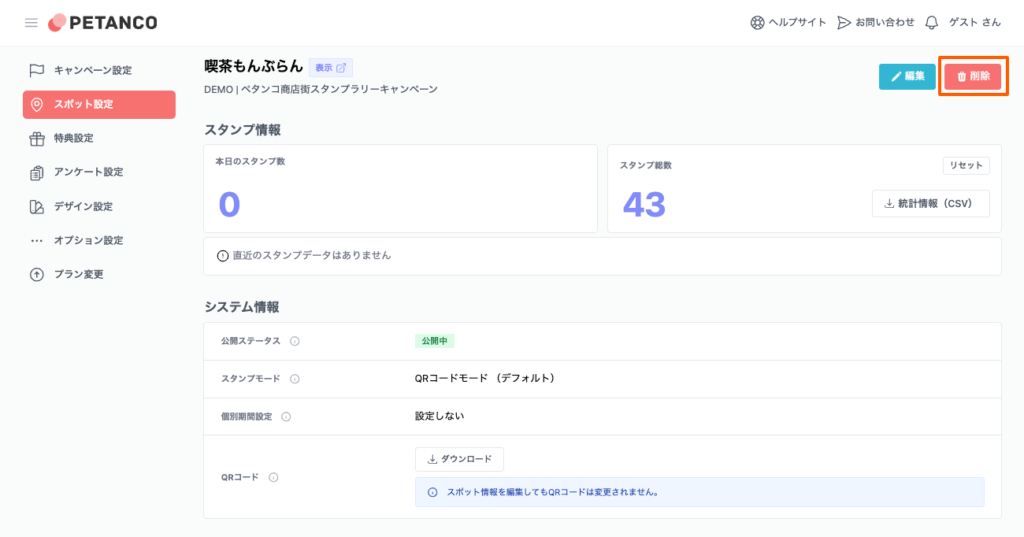
When you move to the relevant spot details page, click the "Delete" button at the top right of the screen.。
Confirm deletion
A confirmation screen will be displayed、Click "Confirm" to delete it。If you wish to cancel, click "Cancel".。
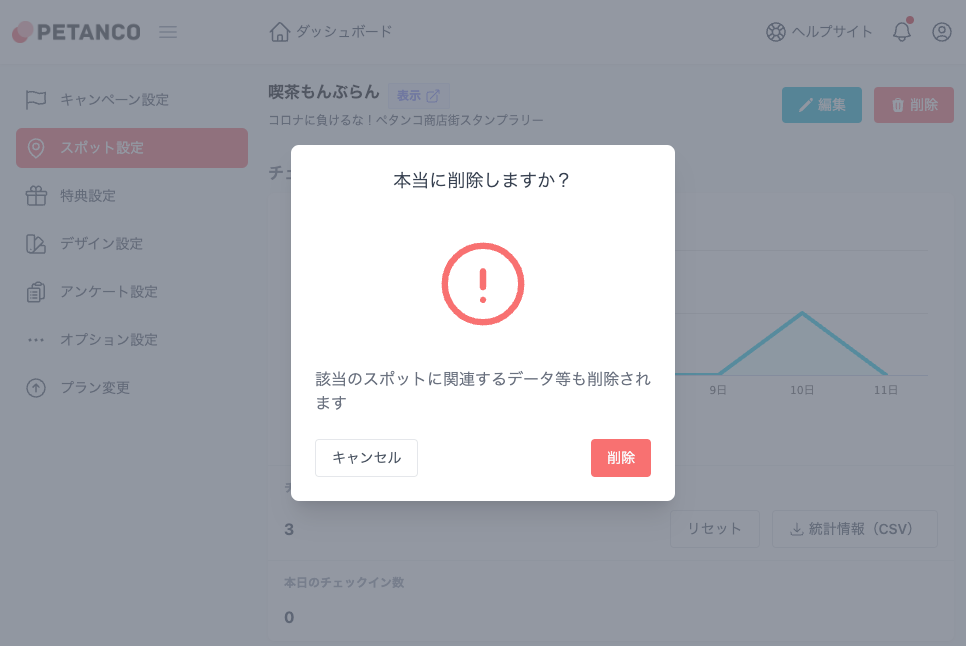
Deleting a spot will also delete related data。
Resetting statistics
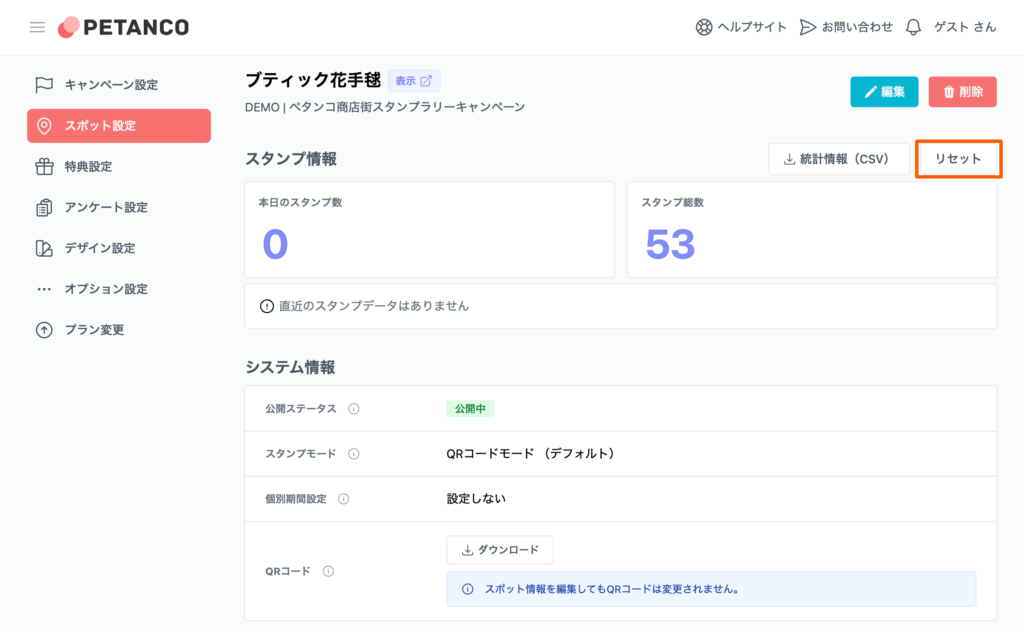
To reset data recorded in statistics、Go to the corresponding spot details page。
By clicking the "Reset" button in the "Stamp Information or Check-in Information" section.、The previous number of stamps will be reset.、0return to。
The reset is、Effective when erasing data generated during operation tests。