
Stamp settings
デジタルスタンプラリーの見た目(スタンプ)を変更する設定方法について説明します。
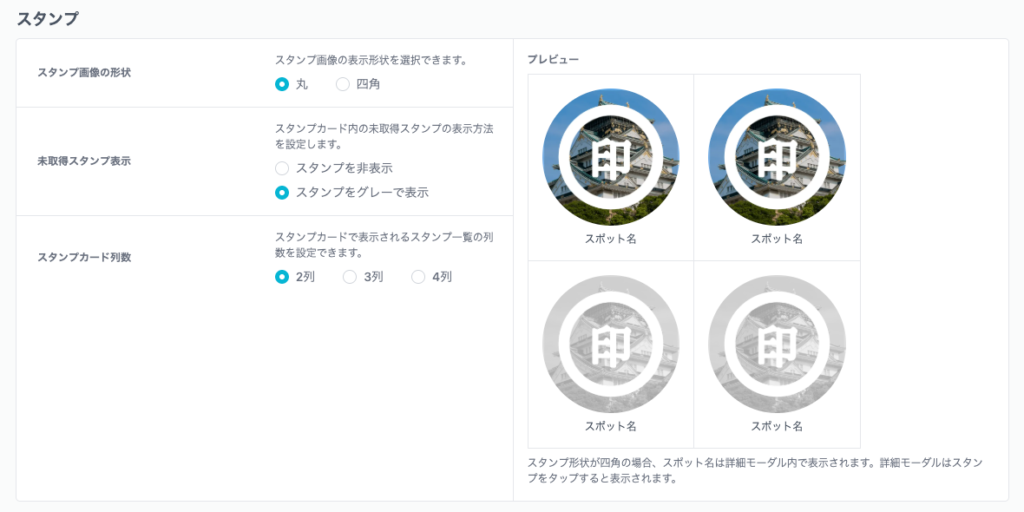
スタンプ画像の形状
スタンプ画像の表示形状を選択できます。
丸いスタンプ画像
スタンプ画像を丸く切り取って表示します。
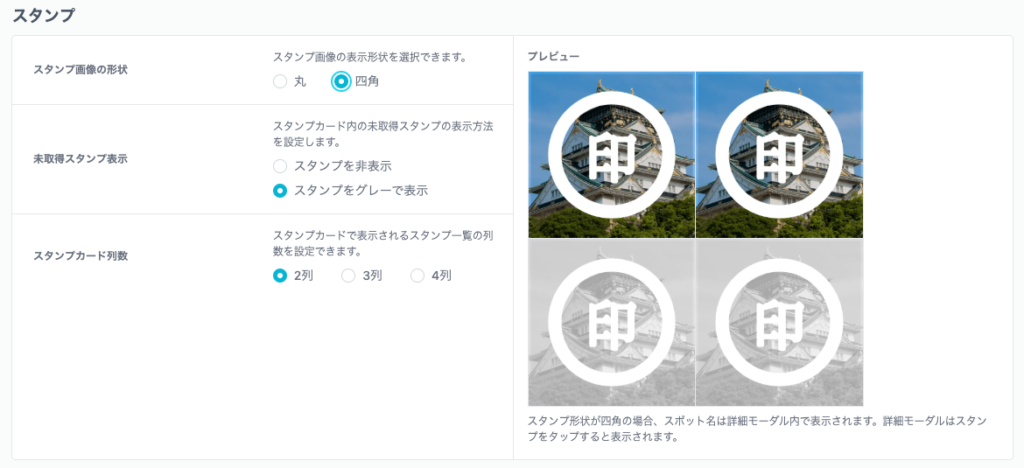
四角いスタンプ画像
スタンプ画像を切り抜かず、正方形で表示します。
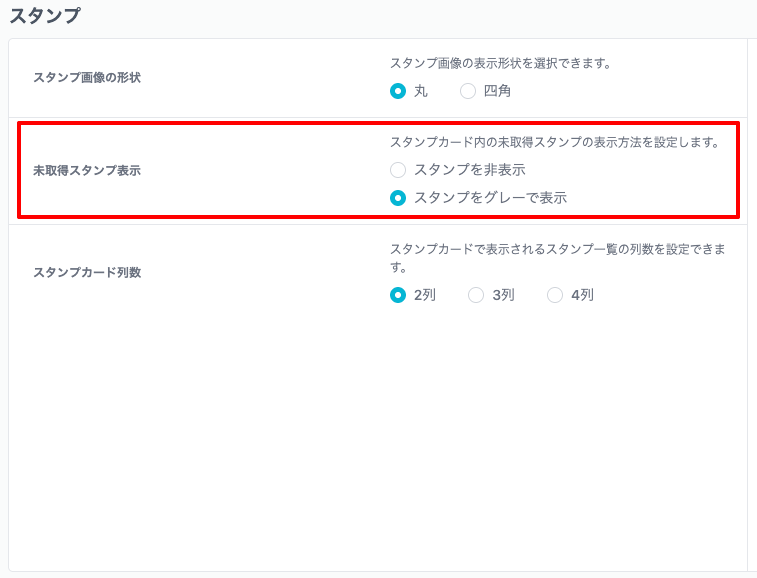
Display of unobtained stamps
What is the display function for unobtained stamps?、This is a function that displays unobtained stamps in gray in advance on the stamp card page.。
Once you get a stamp, the display will switch from gray to color.。
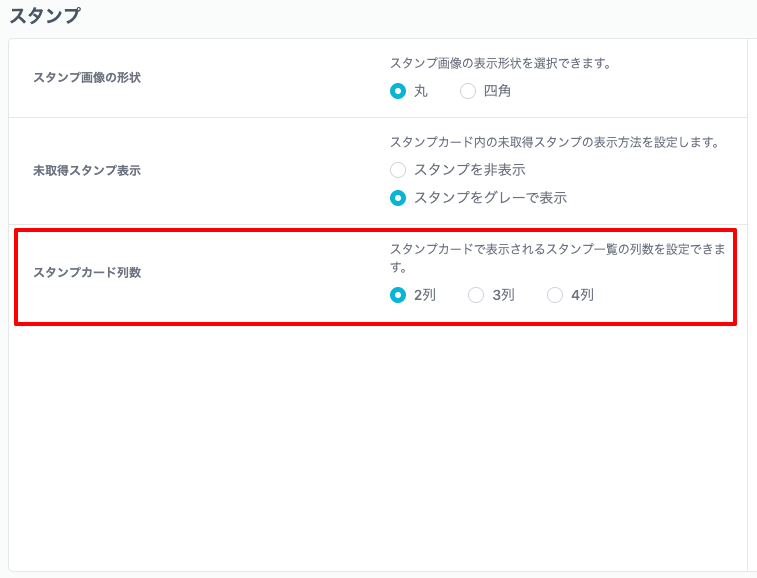
Number of stamp card rows
You can specify the number of columns on the stamp card.。By default 2 columns are specified。
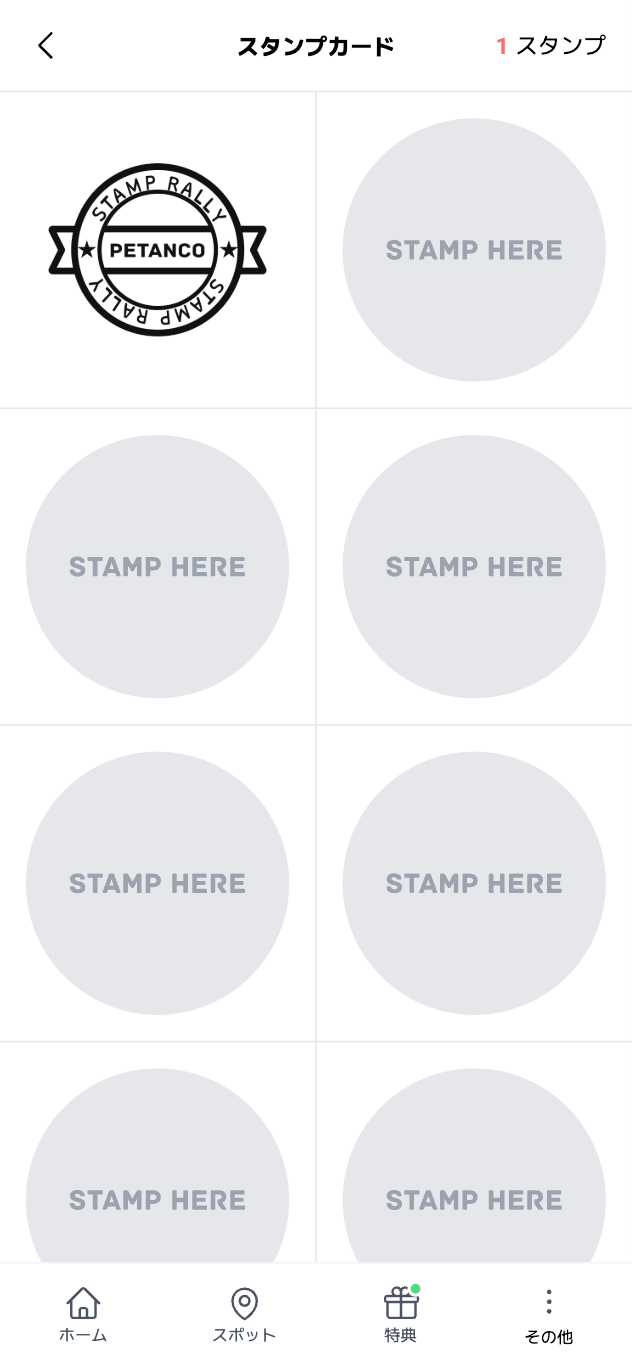
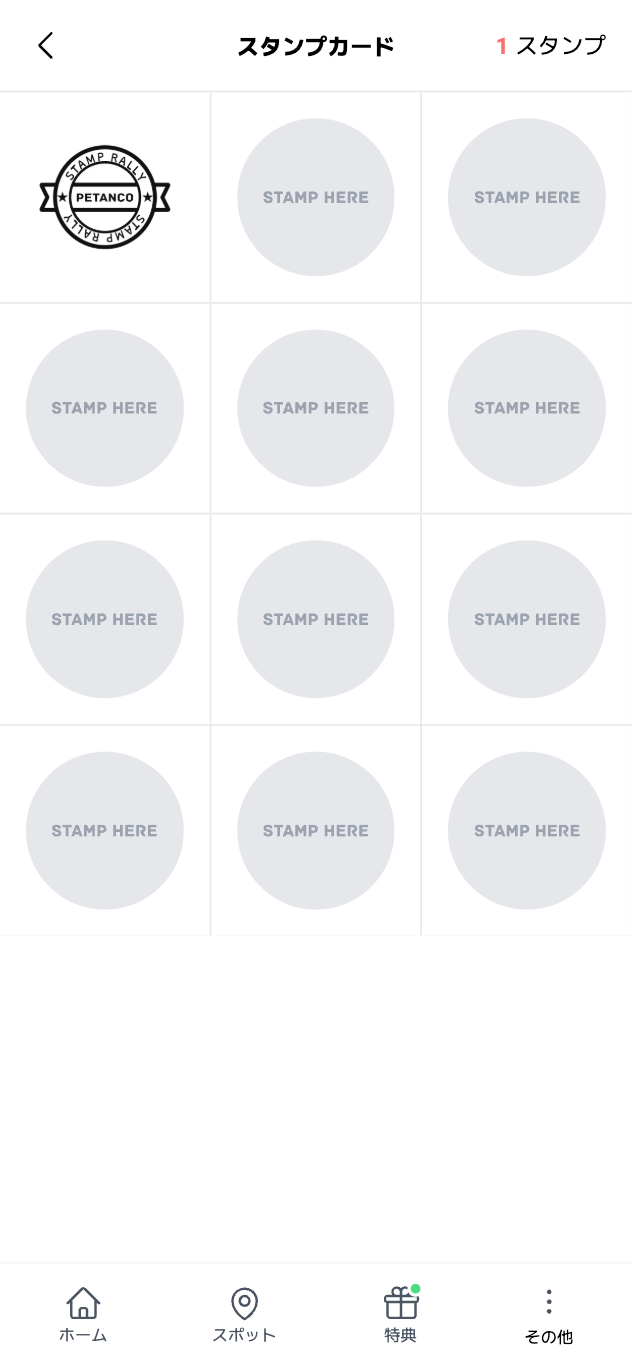
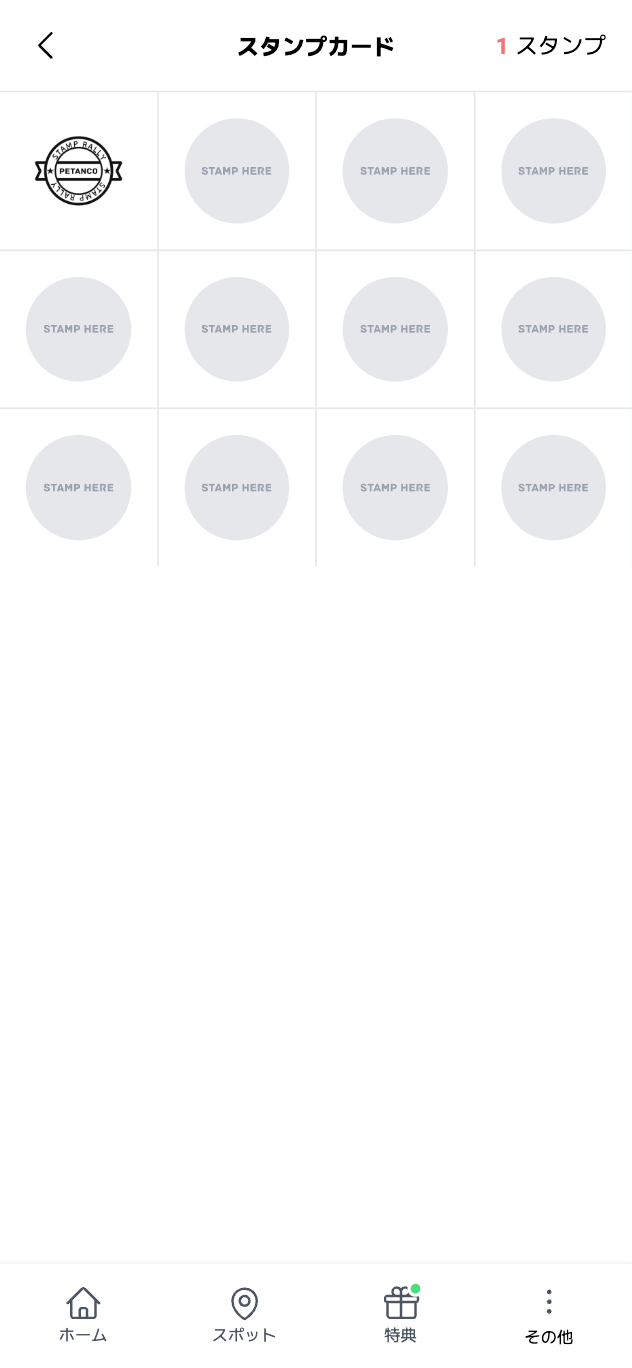
Once selected、Click the "Save" button at the bottom of the page to complete。
To cancel your selection、Click the "Cancel" button。