
Stamp settings
We will explain how to change the appearance (stamps) of Digital Stamp Rally.。
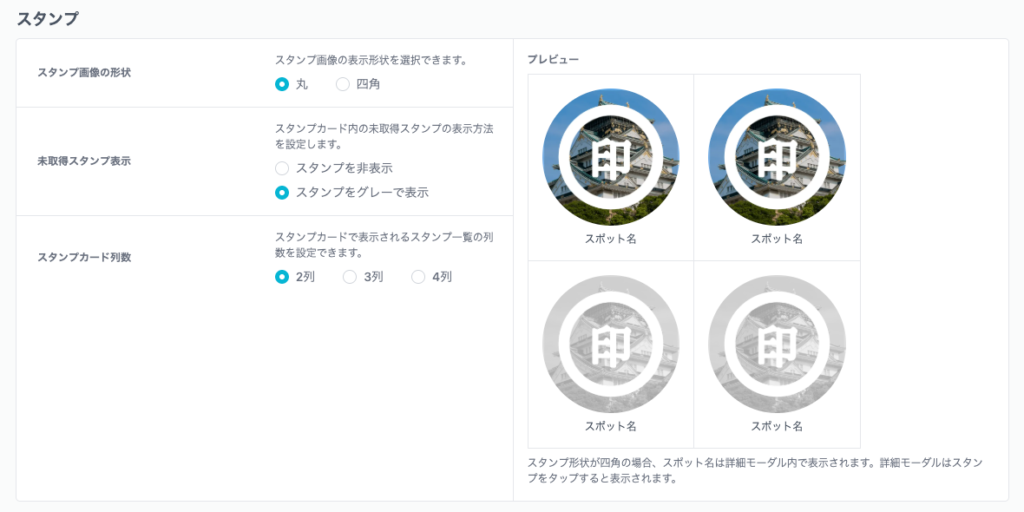
Stamp image shape
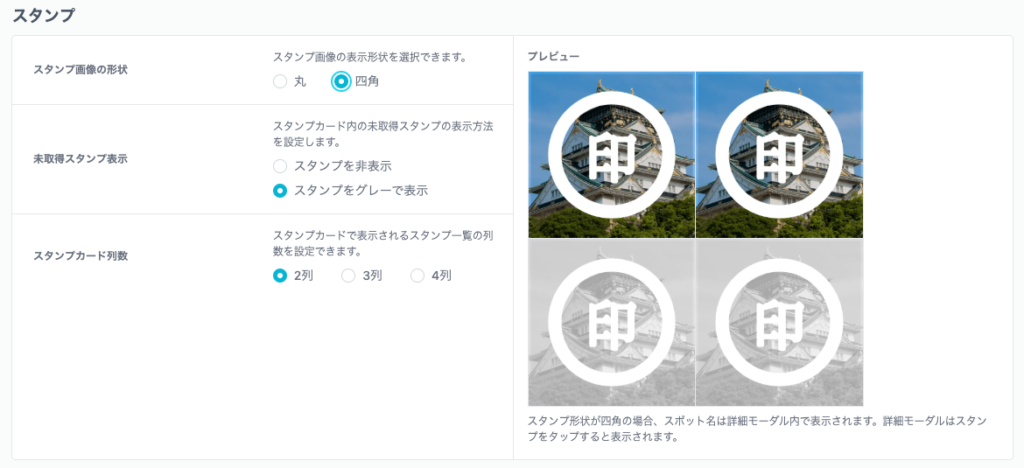
You can select the display shape of the stamp image。
round stamp image
Cut out and display the stamp image in a circle.。
square stamp image
Do not cut out stamp images、Display as a square。
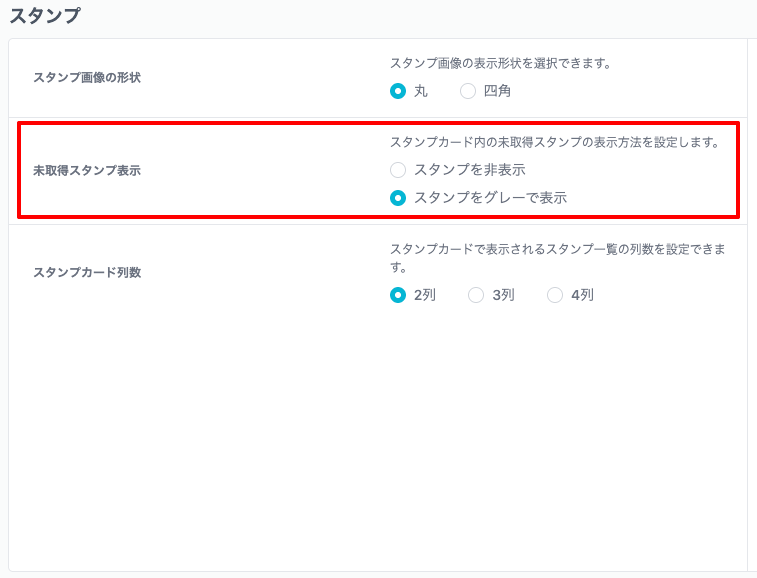
Display of unobtained stamps
What is the display function for unobtained stamps?、This is a function that displays unobtained stamps in gray in advance on the stamp card page.。
Once you get a stamp, the display will switch from gray to color.。
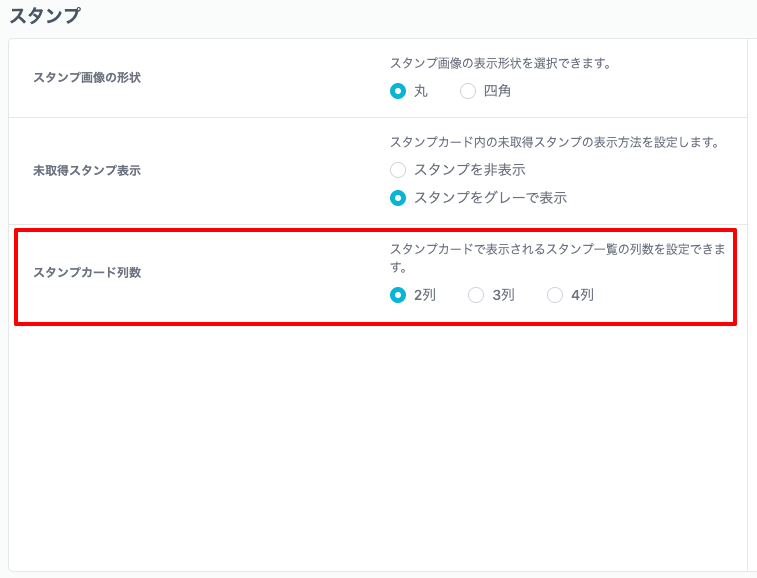
Number of stamp card rows
You can specify the number of columns on the stamp card.。By default 2 columns are specified。
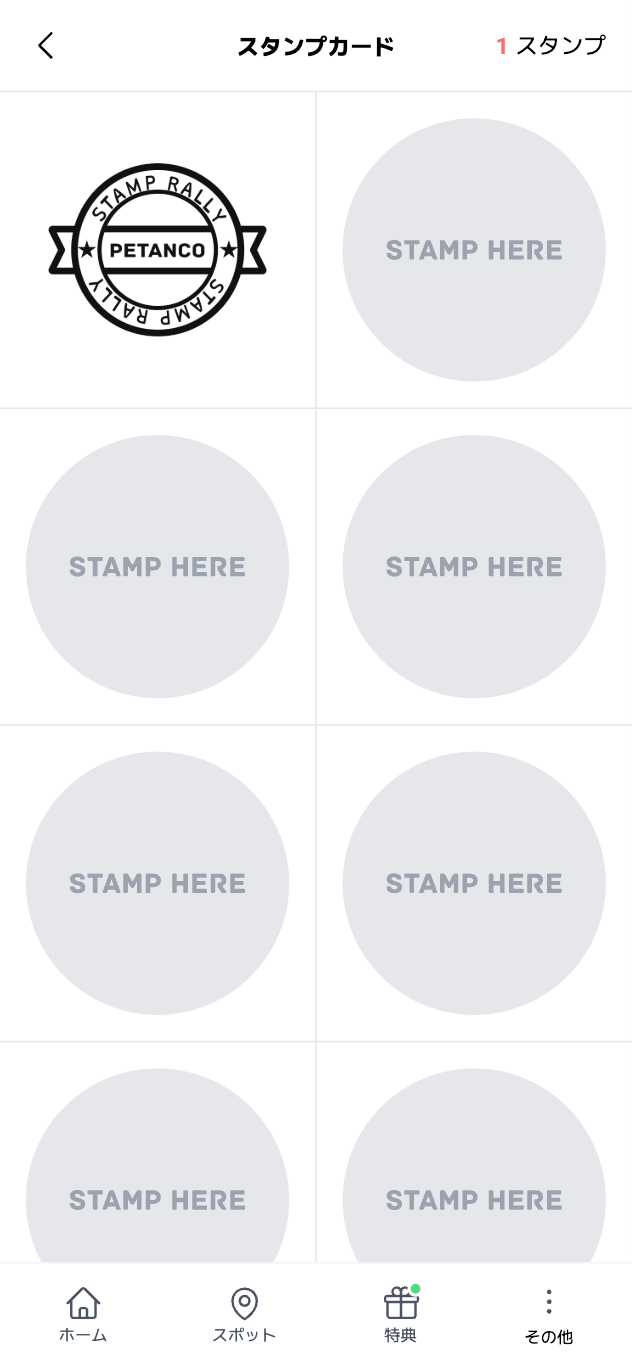
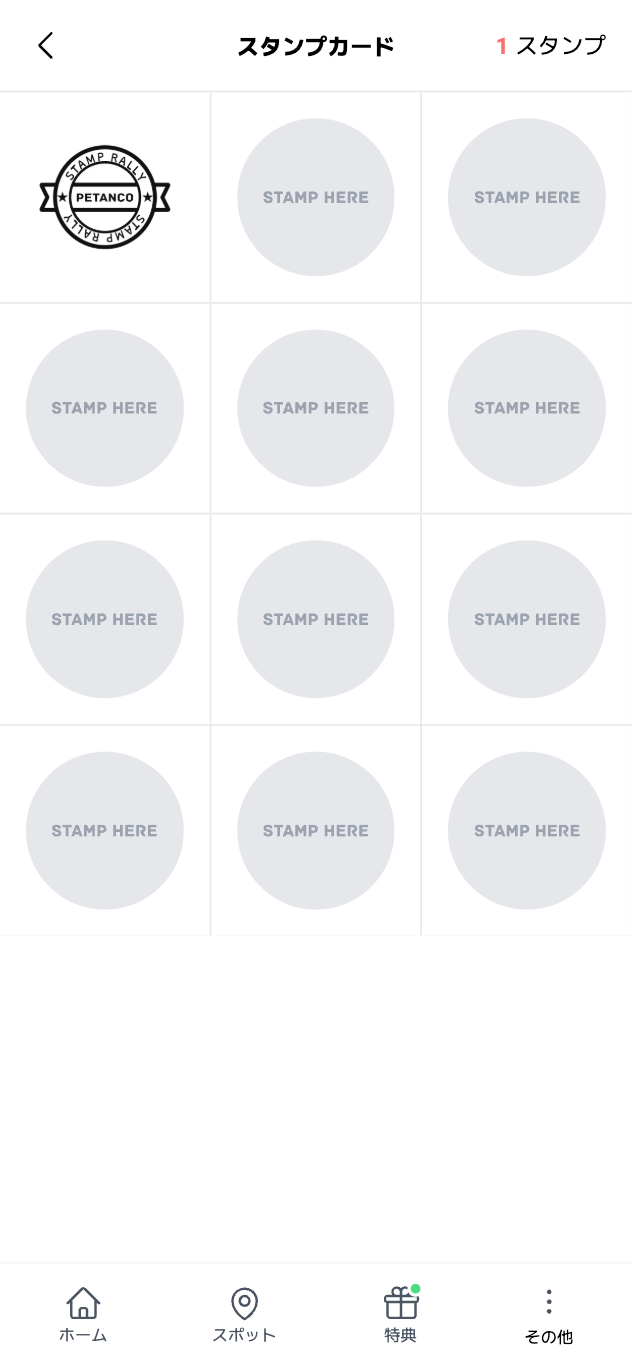
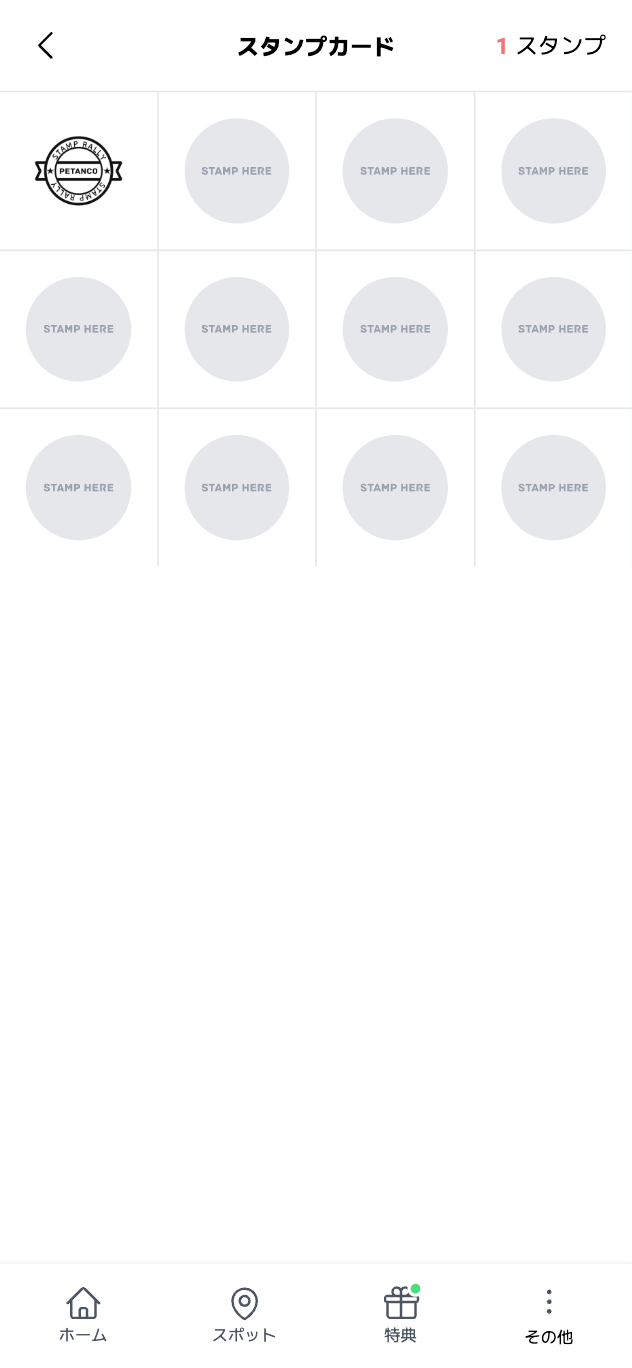
Once selected、Click the "Save" button at the bottom of the page to complete。
To cancel your selection、Click the "Cancel" button。